- calendar_today August 22, 2025
AI is currently a hot topic in the tech industry. Our word processors, photo apps, and browsers all contain it. It usually comes with a lot of hype and a claim that it will make everything different. However, with Windows 11, Microsoft is taking a slightly different approach. It’s quietly updating the tools you already know—Snipping Tool, Paint, Camera, and Photos—instead of introducing obtrusive new platforms. Not a spotlight. No large advertisements. Simply better tools that function as you would expect.
Let’s begin with the Snipping Tool. It’s always been useful for grabbing screenshots. It is currently undergoing a significant upgrade. Optical Character Recognition, or OCR, is a feature that Microsoft is testing. In essence, it enables you to extract text from an image. You can copy the text from a quote, note, slide deck, or even handwriting by taking a screenshot of it and doing so directly within the app. Although it may not seem revolutionary, consider how frequently you interact with images that contain text. You could save hours with just this one feature.
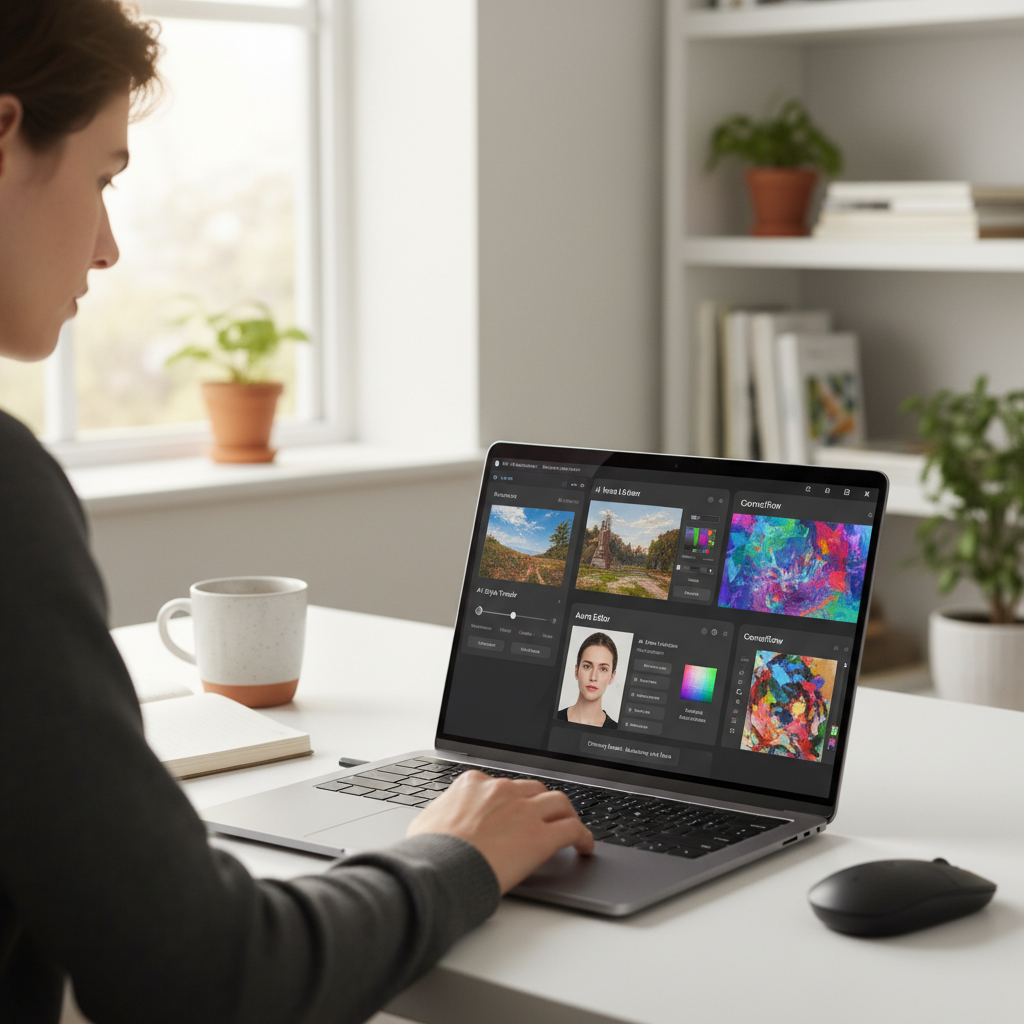
The next in line is photos. It’s going to change if you’ve only used it for basic viewing and cropping. Microsoft is developing new AI-powered features that can recognize and isolate objects, people, and pets in your photos. Therefore, you will soon be able to blur a background or highlight your dog in a group photo with a few clicks, directly within the built-in Windows app, rather than utilizing sophisticated editing software. No memberships. No limit on skill.
Yes, even Paint is becoming more intelligent. In a new generative feature being tested by Microsoft, you can type something like “a waterfall in a desert with camels,” and Paint will generate an image based on the prompt. This will probably be powered by the same AI that powers Bing’s Image Creator, which is based on OpenAI’s DALL-E model. It’s simple creativity that lands in a tool that everyone is familiar with.
There’s a catch, though. These features require hardware that can support them; they are not merely software. Let’s talk about neural processing units, or NPUs. These specialized chips are made to effectively and locally handle AI tasks. They have long been present in Qualcomm’s ARM-based chips, but AMD and Intel are now catching up. NPU support is becoming available in mainstream devices thanks to AMD’s 7040 series and Intel’s upcoming Meteor Lake chips.
Why is this important? Because everything is altered by local AI processing. It implies that functions like object recognition, text extraction, and image creation can take place locally on your device without transferring data to the cloud. It’s quicker. It’s confidential. Additionally, it gives the whole experience a smooth feel. Without having to wait or worry, the magic happens when you click a button.
NPUs are currently limited to a few tasks in Windows 11, such as tracking eye movement or enhancing the background of your video calls. However, Microsoft obviously has more ambitious plans. These minor changes are only the start. They also give us an idea of what contemporary computing might look like in a year or two.
The most striking feature? It doesn’t feel like a complete overhaul. You’re not being asked to learn anything new. Simply opening the same tools you’ve been using for years will reveal that they have improved in capability. It’s clever but subtle.
Microsoft’s understated strategy is refreshing in a world where technology is continuously reinventing itself to be “new.” Your workflow won’t be replaced by them. They respect it and add just the right amount of intelligence to make it better.